
Save this page — bookmark it or add to your home screen for quick access before your next visit.
Click any store on the map for details, use search and categories to find brands, and zoom in/out for a closer look.
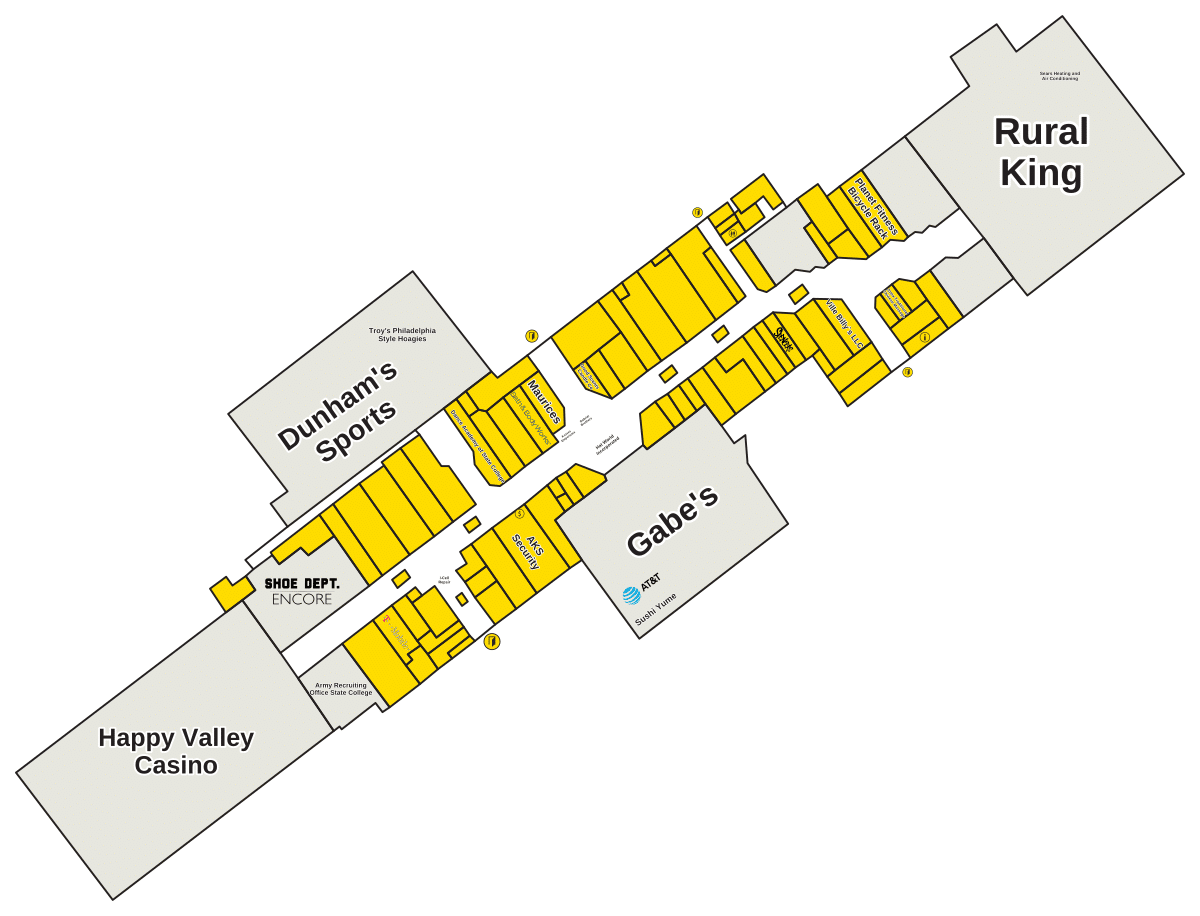
The map give a good idea of what’s there and where everything is, and this page has an interactive directory map to navigate your way around shopping centre.
If you’re after a particular store, you can type its name into the search box in the top left corner of the map. This will quicky highlight its location. Otherwise you can scroll through list of categories to browse stores available. You can zoom in/out or go full screen using buttons at bottom right. You can also move the mouse cursor around the map and scroll to zoom in closer for a better look.
Using the Interactive Directory Map
Because provided data doesn’t say how many floors there are, the map shows you information based off which floor plan is displayed. By clicking one of the pins for a store you will see some further detail about shop itself.
There is a variety of shops based on tenant mix, depending on what’s currently in the mall. It is conveniently located with an easy flow from one area to another. Services and experiences that enrich experience of visiting the mall. It is a simple and approachable space for all shopper types.
This is a directory map. This is the most recent version of the directory map as created. It will change over time as stores comes and go.
 📌 Last updated: July 2026 · Stores may change and we update this map regularly.